📱 Watch as a Short
How to Play GTA 6 at 60 FPS on PS5 Pro
🎥 Footage:Rodrigo Baltar ↗· played with the official YouTube player · moment found & explained by AI
🎬 Scenes in this video
Scene finder · tap to jumpVideo guide
✦ AI-processedRodrigo Baltar shows how to achieve 60 FPS in GTA 6 on PS5 Pro using a capture card and frame duplication.
What happens
Baltar uses a capture card to duplicate frames, achieving 60 FPS on his PC screen while playing on PS5 Pro.
How to do it
- Use a high-quality capture card like the GC553G2.
- Set up frame duplication in NVIDIA settings.
- Connect the PS5 Pro to the capture card and play on PC screen.
Pro tip: Ensure your capture card supports high frame rates for smooth gameplay.
Keep watching
More GTA 6 Tips & Tricks clips
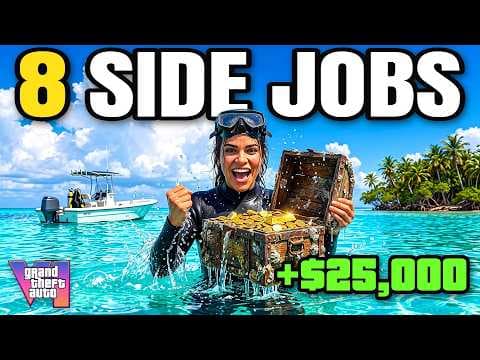 Tips & Tricks0:36
Eight GTA 6 side jobs, ranked
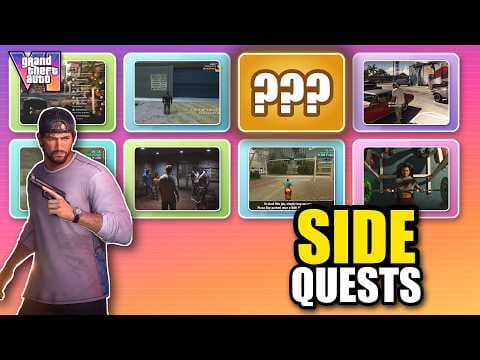 Tips & Tricks3:06
GTA 6 side quests found so far, compared with earlier GTA games
 Tips & Tricks7:12
Cheaper Car Repairs in GTA 6
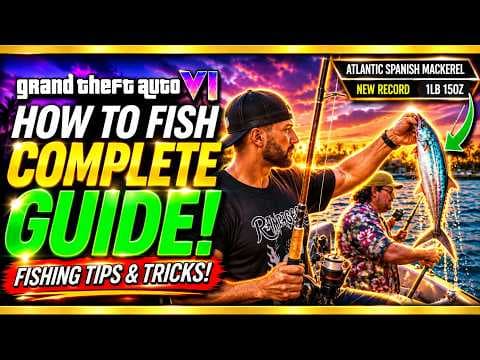 Tips & Tricks5:32
How to Fish in GTA 6 - Complete Guide
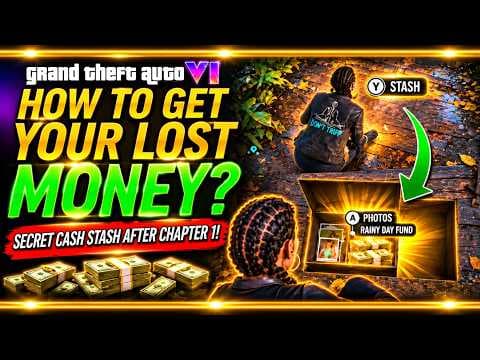 5:07
GTA 6: can you get lost money back from the first house?
 Tips & Tricks5:00
32 GTA 6 Tips for Beginners: Don't Make These Mistakes
 Tips & Tricks5:03
How to Play GTA 6 at 60 Smooth FPS
 Tips & Tricks5:04