📱 Watch as a Short
How to Play GTA 6 at 60 Smooth FPS
🎥 Footage:Rodrigo Baltar ↗· played with the official YouTube player · moment found & explained by AI
🎬 Scenes in this video
Scene finder · tap to jumpVideo guide
✦ AI-processedExplains the difference between 60 and 130 FPS in GTA 6, showing how to achieve smoother gameplay.
What happens
the player demonstrates the difference in frame rates, explaining the impact on gameplay smoothness and control.
How to do it
- Ensure your capture settings are optimized for 60 FPS.
- Use OBS settings to remove duplicated frames for smoother gameplay.
- Adjust anti-aliasing and resolution settings for best visual quality.
Pro tip: Consider using a 1080p capture card for better performance.
Keep watching
More GTA 6 Tips & Tricks clips
 Tips & Tricks0:36
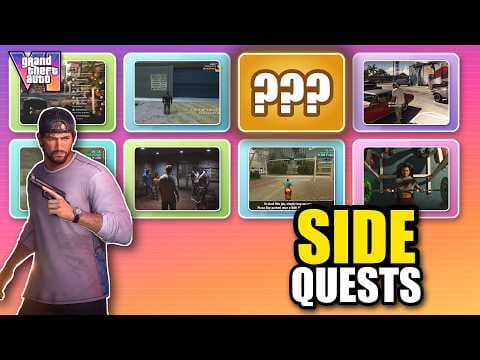
Eight GTA 6 side jobs, ranked
 Tips & Tricks3:06
GTA 6 side quests found so far, compared with earlier GTA games
 Tips & Tricks7:12
Cheaper Car Repairs in GTA 6
 Tips & Tricks5:32
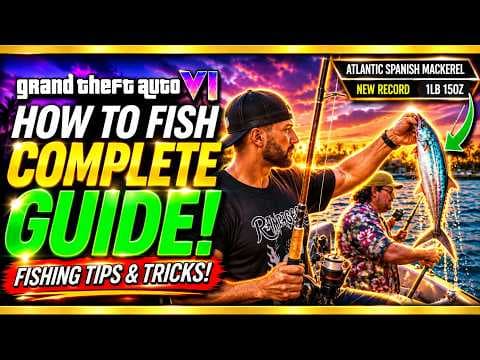
How to Fish in GTA 6 - Complete Guide
 5:07
GTA 6: can you get lost money back from the first house?
 Tips & Tricks5:17
How to Keep Stolen Cars in GTA 6
 Tips & Tricks5:00
GTA 6: Five Essential First Steps
Tips & Tricks5:02