How to Play GTA 6 at 120 FPS with Veyra (PS5 & Xbox)
About this clip
How to Play GTA 6 at 120 FPS with Veyra (PS5 & Xbox): a 20:20 GTA 6 video by Circuit Score Gaming, played in the official YouTube player.
What happens
Purchases made through some links may provide some compensation to the creator. In this video: 9 chapters by the creator — 0:00 How to Play GTA 6 at 120 FPS; 1:55 Elgato 4K X Setup and PC Requirements; 4:06 How to Download and Install Veyra 2.1.9; 5:29 Console Settings - 4K 60 Hz and VRR Settings; 7:25 Veyra Capture Card Settings for 4K Video and Audio; 10:54 GTA 6 DLSS Settings and 1080p to 4K Upscaling; 13:22 2× Frame Generation | Intel XeSS vs NVIDIA VFG; 17:23 GTA 6 4K 120 FPS Gameplay and Input Latency and more.
Pro tip: use the chapter list to jump straight to “Elgato 4K X Setup and PC Requirements” at 1:55.
More from streamers
 ▶ YouTube
GTA 6: Company Property Mission Walkthrough (Pilot Pete, IAA Raid & Field Landing)
 ▶ YouTube
GTA 6 - Hit Avery Pawn - Full Walkthrough
 ▶ YouTube
GTA 6 - ALL LUXURY WATCH Locations (34 Watches)
 ▶ YouTube
Bank Security Van ROUTES FOUND For GTA 6
 ▶ YouTube
How to Find Impound Phoenix & Use Waink It App Location In GTA 6
 ▶ YouTube
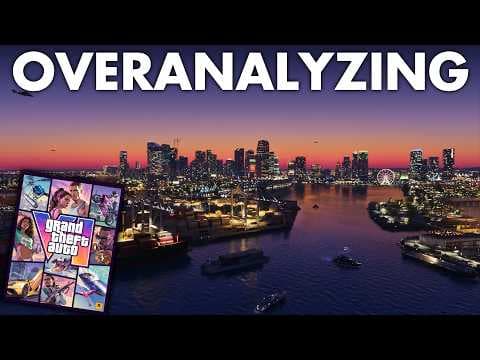
Overanalyzing GTA 6's box art and Vice City video
 ▶ YouTube
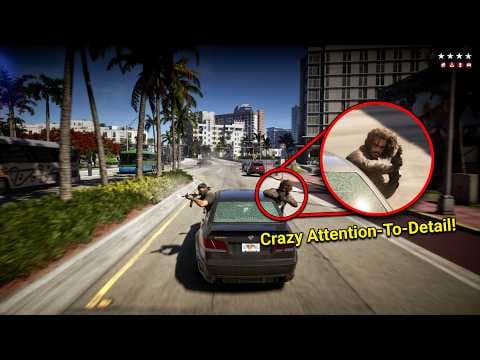
I Watched GTA 6: Gameplay in 0.25x Speed and Here's What I Found
 ▶ YouTube