GTA 6 Photo Mode on PS5: Hide the Car to Find a Better Shot
About this clip
Leonida Signal's GTA 6 Photo Mode lesson on PS5: hiding a car to spot distractions and frame a cleaner shot, from pause menu to media gallery.
What happens
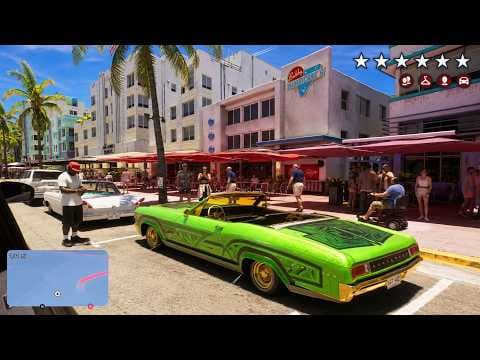
Using one intersection, the video shows a before-and-after where a green car disappears but the pole behind its roof stays, as a way to spot distractions before saving a photo. It follows the process from the pause menu to the media gallery and adds four short gameplay exercises to try with one's own shots.
Pro tip: After hiding a vehicle, check what is still left in the frame, as the pole example shows, before saving the photo.
Vehicles#gta-6
Keep watching
More from streamers
 ▶ YouTube
GTA 6: Company Property Mission Walkthrough (Pilot Pete, IAA Raid & Field Landing)
 ▶ YouTube
GTA 6 - Hit Avery Pawn - Full Walkthrough
 ▶ YouTube
How to Find Impound Phoenix & Use Waink It App Location In GTA 6
 ▶ YouTube
Bank Security Van ROUTES FOUND For GTA 6
 ▶ YouTube
GTA 6 - ALL LUXURY WATCH Locations (34 Watches)
 ▶ YouTube
Overanalyzing GTA 6's box art and Vice City video
 ▶ YouTube
I Watched GTA 6: Gameplay in 0.25x Speed and Here's What I Found
 ▶ YouTube