GTA 6 No Missions Available? How to Unlock the Next Story Mission
Video guide
GTA 6 progression guide for when no missions are available: how to find the next story mission using the map's Story list, phone messages and in-game time.
What happens
The video explains why the game shows Explore Leonida and how to open the Story index on the map. It covers replying to phone messages, calling contacts, letting time pass, and the Chapter 1 gate where Donnie's Lost Drugs must be finished before Lucia calls to start Recalibration. In this video: 0:24 Why it says Explore Leonida; 1:06 The Story index; 2:26 Check your phone; 3:54 Let time pass; 4:52 Donnie's Lost Drugs gate; 6:01 Recalibration, then bank your cash; 6:47 Objective and BRIEF tab; 7:15 Still stuck
How to do it
- On PS5, press the touchpad (or Options, then Map), press right on the D-pad and select the pink diary icon (Story).
- Highlight an entry and press Cross to set a destination; Square adds an extra marker.
- Reply to every phone message, call contacts and let some in-game time pass.
Pro tip: Main story missions use a pink icon with dark lettering, and an hourglass marks a time-limited job.
More from streamers
 ▶ YouTube
How to Find Impound Phoenix & Use Waink It App Location In GTA 6
 ▶ YouTube
GTA 6: Company Property Mission Walkthrough (Pilot Pete, IAA Raid & Field Landing)
 ▶ YouTube
GTA 6 - Hit Avery Pawn - Full Walkthrough
 ▶ YouTube
GTA 6 - ALL LUXURY WATCH Locations (34 Watches)
 ▶ YouTube
Bank Security Van ROUTES FOUND For GTA 6
 ▶ YouTube
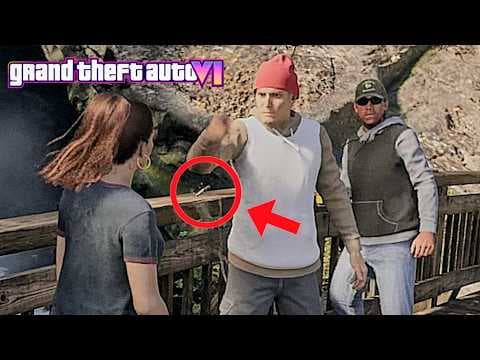
This Tiny GTA 6 Detail Changes EVERYTHING About NPCs...
 ▶ YouTube
GTA 6 Crazy Ray Tracing Graphics - Dunk Mission End - PS5 4K HDR 60fps
 ▶ YouTube