Advertisement
GTA 6 - Best Settings Guide 24 Things to Change Now!
Advertisement
About this clip
A GTA 6 settings guide by NIXNE with 24 things to change now for better aim, smoother gameplay and clean visuals, from controller to audio.
What happens
The video covers controller layout, sensitivity and dead zones, then gameplay and accessibility options. It moves on to SDR brightness, HDR calibration, motion blur and visual effects, UI, camera and audio. In this video: 0:00 Controller Settings | 2:56 Gameplay | 3:20 Accessibility Settings | 4:04 Display: SDR Brightness & HDR Calibration | 4:56 Visual Effects and Graphic Settings | 5:48 UI | 5:58 Camera and Effects | 6:25 Audio
Pro tip: The controller section is the longest, so start there if aiming feels off.
Tips & Tricks#gta-6
Advertisement
Keep watching
More from streamers
 ▶ YouTube
How to Find Impound Phoenix & Use Waink It App Location In GTA 6
 ▶ YouTube
GTA 6: Company Property Mission Walkthrough (Pilot Pete, IAA Raid & Field Landing)
 ▶ YouTube
GTA 6 - Hit Avery Pawn - Full Walkthrough
 ▶ YouTube
GTA 6 - ALL LUXURY WATCH Locations (34 Watches)
 ▶ YouTube
Bank Security Van ROUTES FOUND For GTA 6
 ▶ YouTube
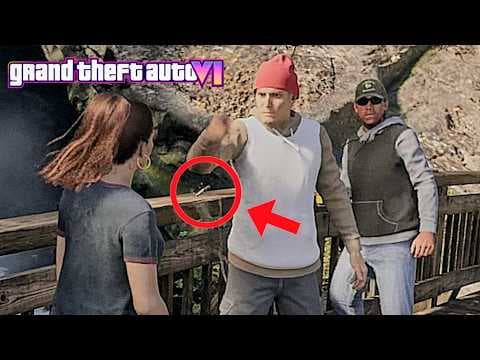
This Tiny GTA 6 Detail Changes EVERYTHING About NPCs...
 ▶ YouTube
GTA 6 Crazy Ray Tracing Graphics - Dunk Mission End - PS5 4K HDR 60fps
 ▶ YouTube