Advertisement
GTA 6 100% Completion: How to Check Your Progress (Stats + Collections)
Advertisement
About this clip
Short GTA 6 guide from kevinsmak on how to check completion progress, stats and collections.
What happens
It shows the Progress menu under Pause > Map > R1 and its tiles such as Stats, Vehicles, Weapons, Animals, Equipment, Collections and Activities, and notes that 100% completion stays locked until Jason and Lucia's story is finished.
Pro tip: Where the Progress menu is appears at 0:27; the locked challenges, contacts and gangs tiles are covered at 2:55.
Tips & Tricks#gta-6
Advertisement
Keep watching
More from streamers
 ▶ YouTube
How to Find Impound Phoenix & Use Waink It App Location In GTA 6
 ▶ YouTube
GTA 6: Company Property Mission Walkthrough (Pilot Pete, IAA Raid & Field Landing)
 ▶ YouTube
GTA 6 - Hit Avery Pawn - Full Walkthrough
 ▶ YouTube
GTA 6 - ALL LUXURY WATCH Locations (34 Watches)
 ▶ YouTube
Bank Security Van ROUTES FOUND For GTA 6
 ▶ YouTube
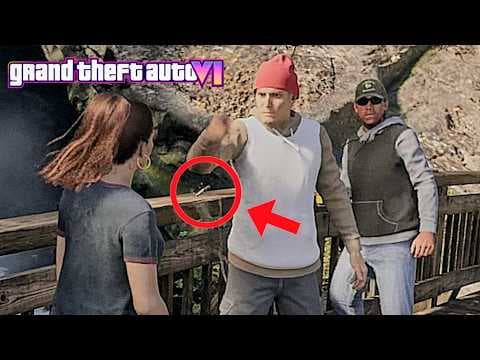
This Tiny GTA 6 Detail Changes EVERYTHING About NPCs...
 ▶ YouTube
GTA 6 Crazy Ray Tracing Graphics - Dunk Mission End - PS5 4K HDR 60fps
 ▶ YouTube