Change These GTA 6 Settings Before Playing!
About this clip
A GTA 6 settings guide by Octorious on what to change before playing on PS5 and Xbox, giving each default and what to change it to, with no spoilers.
What happens
The video goes through numbered settings, starting with movement speed, stick deadzones, units and the controller cop scanner. It continues with the aim response curve, sensitivity and acceleration, targeting and aim assist, the adaptive speed limiter, progress notifications and control scheme, then HDR calibration. In this video: 0:15 1. Movement speed | 1:02 2. Stick deadzones | 1:36 3. Units of measurement | 1:55 4. Controller cop scanner | 2:16 5. Aim response curve | 2:46 6. Sensitivity and acceleration | 3:21 7. Targeting and aim assist | 3:49 8. Adaptive speed limiter | 5:02 10. Control scheme
Pro tip: Turn on the DualSense cop scanner at 1:55, an easy setting to miss.
More from streamers
 ▶ YouTube
How to Find Impound Phoenix & Use Waink It App Location In GTA 6
 ▶ YouTube
GTA 6: Company Property Mission Walkthrough (Pilot Pete, IAA Raid & Field Landing)
 ▶ YouTube
GTA 6 - Hit Avery Pawn - Full Walkthrough
 ▶ YouTube
GTA 6 - ALL LUXURY WATCH Locations (34 Watches)
 ▶ YouTube
Bank Security Van ROUTES FOUND For GTA 6
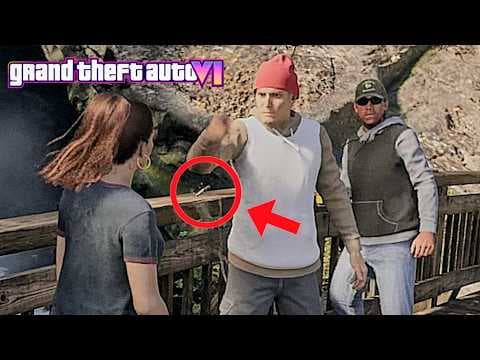 ▶ YouTube
This Tiny GTA 6 Detail Changes EVERYTHING About NPCs...
 ▶ YouTube
GTA 6 Crazy Ray Tracing Graphics - Dunk Mission End - PS5 4K HDR 60fps
 ▶ YouTube