Advertisement
Best GTA 6 HDR Settings for Every TV (PS5 & Xbox)
Advertisement
About this clip
A GTA 6 settings guide by Compare Clearly explaining how to fix a picture that looks too dark or washed out, with HDR starting points for every type of TV.
What happens
The video explains that the game reportedly ignores the console's saved HDR calibration and uses its own three sliders. It covers turning on HGIG on your TV, where that menu is on LG, Sony, Samsung, TCL and Hisense, and how to set Black Levels, Max Brightness and Paper White. In this video: 1:53 HGIG in one minute; 3:32 GTA 6 HDR on PS5 Pro (and Xbox); 4:40 Black Levels: set it in the dark; 5:09 Max Brightness: higher than you think; 6:12 The dark-room starting point (2000 / 20 / 35)
Pro tip: Turn on HGIG on your TV first, otherwise the in-game sliders will not behave as expected.
Tips & Tricks#gta-6
Advertisement
Keep watching
More from streamers
 ▶ YouTube
How to Find Impound Phoenix & Use Waink It App Location In GTA 6
 ▶ YouTube
GTA 6: Company Property Mission Walkthrough (Pilot Pete, IAA Raid & Field Landing)
 ▶ YouTube
GTA 6 - Hit Avery Pawn - Full Walkthrough
 ▶ YouTube
GTA 6 - ALL LUXURY WATCH Locations (34 Watches)
 ▶ YouTube
Bank Security Van ROUTES FOUND For GTA 6
 ▶ YouTube
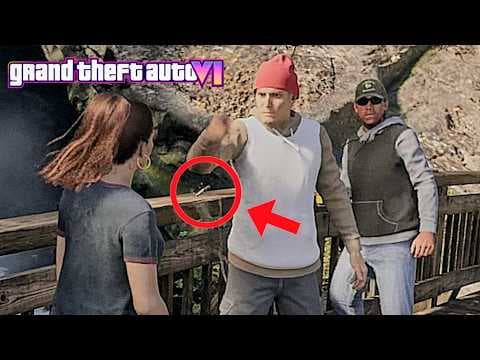
This Tiny GTA 6 Detail Changes EVERYTHING About NPCs...
 ▶ YouTube
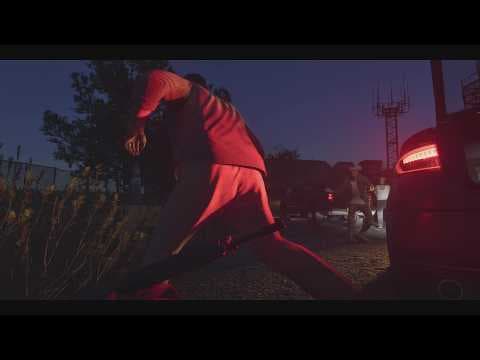
GTA 6 Crazy Ray Tracing Graphics - Dunk Mission End - PS5 4K HDR 60fps
 ▶ YouTube